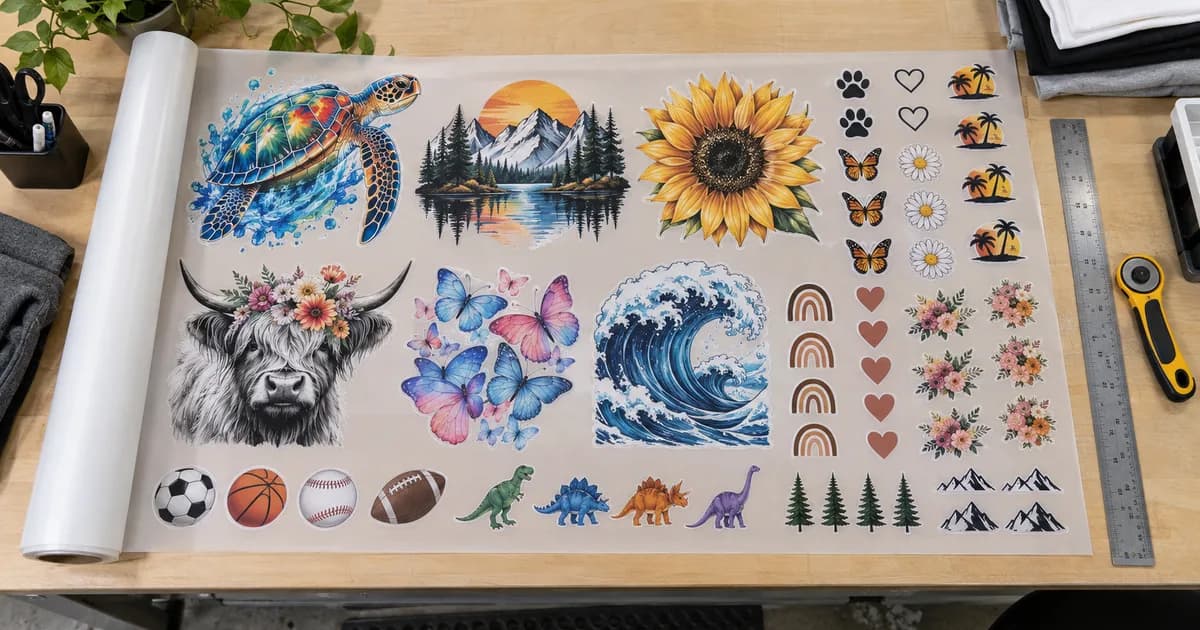
The number of transfers that fit on a gang sheet depends on more than the sheet length. Artwork width, height, transparent borders, rotation, and the mix of sizes all affect the final layout.
A quick estimate is useful for quoting, but the gang-sheet builder provides the dependable answer because it works with your actual uploaded files and printable area.
Start With Finished Print Dimensions
Measure every design at its intended print size. A ten-inch-wide adult front uses much more sheet area than a four-inch left-chest logo. If one order contains several garment sizes, list the quantity required at each transfer size before building the sheet.
Use Printable Width, Not the Roll Name
A nominal roll width includes production tolerances and is not the same as edge-to-edge printable space. The 13-inch and 17-inch builders enforce their usable areas automatically, so rely on the on-screen boundary rather than placing artwork from a manual roll-width calculation.
Worked Example: 3-Inch Logos on a 22-Inch Sheet
For a simple comparison, assume square artwork measuring 3 × 3 inches after trimming, 0.25-inch gaps between designs, no rotation, and a 22-inch sheet length. Use the printable width, not the roll width. This is an illustrative grid calculation, not a promise about the automatic nest or its required length.
Columns = floor((printable width + gap) ÷ (artwork width + gap)); rows use the same formula with sheet length. With these assumptions, six rows fit. The current rate and per-sheet minimum are included in the prices below; tax and shipping are extra.
| Roll | Printable width | 3 × 3-inch logos | 22-inch sheet price | Price per logo |
|---|---|---|---|---|
| 13-inch | 12.25 in | 3 × 6 = 18 | $10.00 | $0.56 |
| 17-inch | 16.25 in | 5 × 6 = 30 | $10.34 | $0.34 |
Trim Empty Transparent Space
Invisible pixels around a PNG still occupy layout space until the canvas is trimmed. Remove the background when required, inspect the result, and complete the mandatory trim so the nesting engine measures the visible artwork instead of a large transparent rectangle.
Mix Sizes to Fill Open Areas
Large transfers establish the main rows. Smaller sleeve marks, neck labels, youth designs, and left-chest logos can fill the remaining spaces. Rotating suitable artwork may reduce wasted length, but orientation should still make cutting and sorting practical.
- Group identical sizes when fast cutting matters
- Keep enough separation for clean trimming
- Double-check quantities after the final nest
- Order a little production backup for large jobs
Let the Builder Calculate the Final Length
Simple division assumes every design tiles perfectly, which rarely happens with mixed shapes. Upload the real files, enter the quantities, run the layout, and review the required length and total price before checkout.
Practical Takeaway
Estimate with finished dimensions, then confirm with the real nested preview. A shorter nested length can change the quote and the minimum may apply. Compare 13-inch versus 17-inch sheets and check your transparent PNG and pixel dimensions before uploading.
Ready for the next step? build and measure your gang sheet.