Ordering DTF transfers online is straightforward when the file, size, and deadline are confirmed before checkout. Most avoidable problems begin with assumptions about artwork dimensions or transit time.
Use this workflow whether you are ordering one small gang sheet or replenishing transfer inventory for a brand.
Prepare and Measure Artwork
Export transparent, high-resolution PNG files and decide the final print width and height. Measure the garment placement rather than estimating from a screen. Trim invisible borders so nesting reflects the actual design.
Build and Review the Gang Sheet
Upload every design, set quantities, run the nesting tool, and inspect the preview. Check spelling, orientation, duplicates, dimensions, and whether fine artwork is still visible at the selected size.
Confirm Production and Transit Time
Turnaround describes production; shipping time begins after the order leaves the printer. Add both windows plus a buffer for events or customer launches. Weather and remote destinations can affect Canadian transit.
Inspect the Delivery
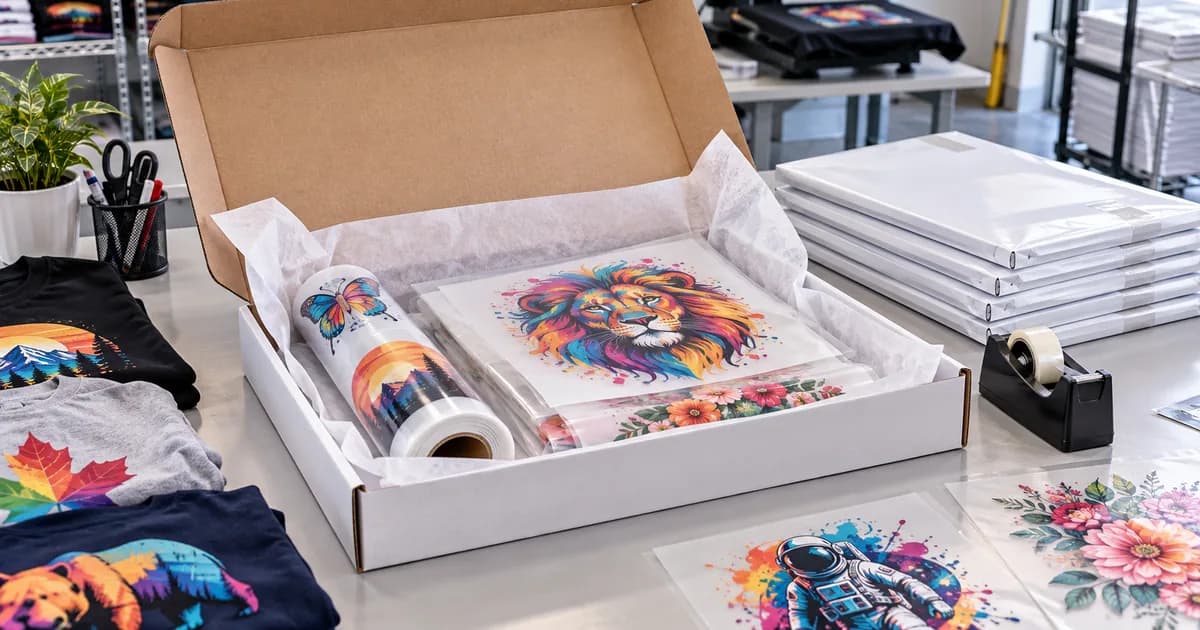
When transfers arrive, compare the package to the order and inspect for transit damage before production. Keep transfers clean, dry, flat, and protected from heat and direct sunlight.
Press a Sample First
Use the supplied application instructions and test one garment before pressing the full batch. Record the working settings for the transfer, garment style, and press.
Practical Takeaway
Accurate artwork, an approved-size preview, realistic scheduling, and one application test turn online ordering into a predictable production process.
Ready for the next step? start an online DTF order.