Why Artwork Preparation Matters
Great DTF transfers start long before the printer ever warms up. If your artwork is low-resolution, poorly trimmed, or missing transparency, the final transfer can look soft, misaligned, or waste valuable sheet space. A few simple preparation steps make a huge difference in the final print quality.
Start With a Transparent PNG
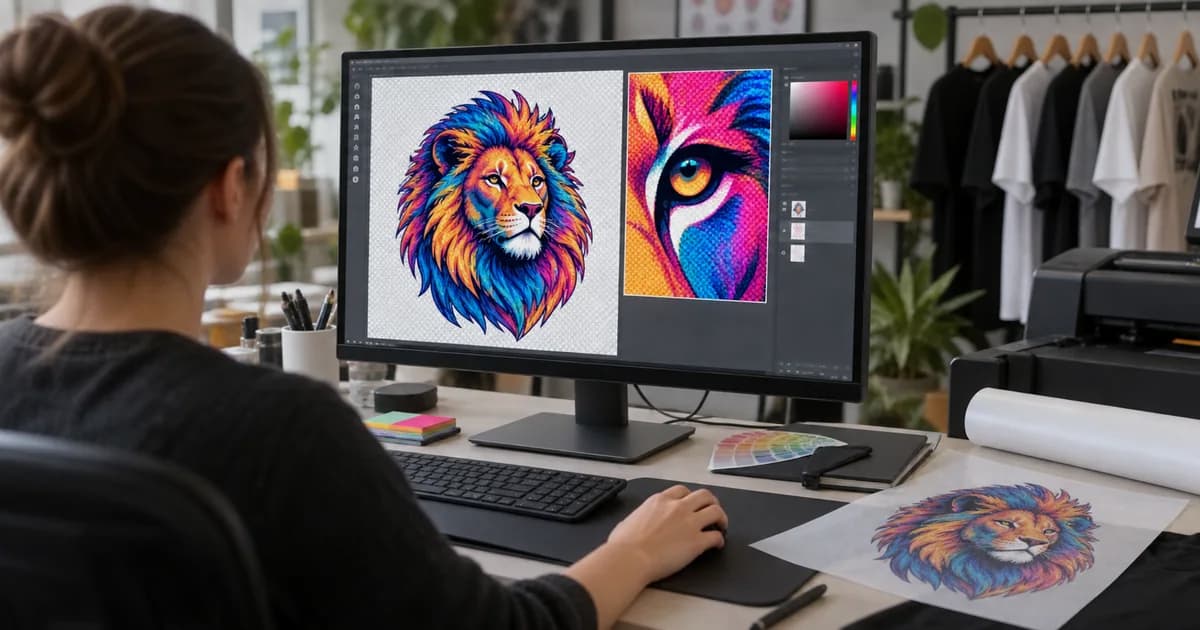
For the best results, export your design as a PNG with a transparent background. That ensures the printer only sees the actual artwork and not the surrounding canvas. It also helps our system place your design more accurately on the gang sheet.
Use High Resolution Files
Most DTF jobs look best when the artwork is exported at 300 DPI. If you upload a low-resolution image from the web, it may appear blurry or pixelated after printing. If you are scaling a design up, create it at a larger size from the beginning instead of stretching it later.
Trim Extra Space Around Your Design
Large empty borders around a logo or illustration can waste valuable sheet space. Trim away unnecessary background pixels so your file is as tight as possible. This is especially helpful when you are trying to fit multiple designs onto one gang sheet.
Check the Size Before You Order
Designs that are too large for the intended garment placement may need to be scaled down. Before you order, make sure your artwork matches the size you want for the final print, whether that is for a pocket logo, left chest design, or full-front graphic.
Common Mistakes to Avoid
- Uploading JPG files with white backgrounds instead of transparent PNGs
- Using low-resolution images from social media or screenshots
- Leaving large transparent borders around the artwork
- Forgetting to preview the final placement before checkout
At DTF Wholesale Canada, we make it easy to upload, trim, and place your designs with our built-in tools. If you want help getting started, our team can guide you through the process and help you create a cleaner, more efficient order.
Ready to prepare your next order? Open the gang sheet builder and upload your artwork today.